
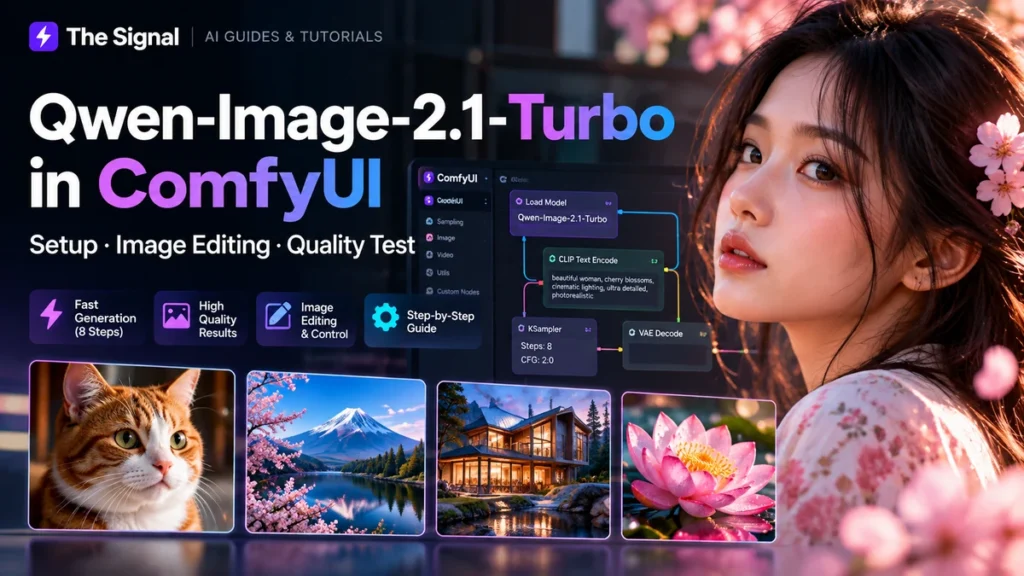
Editorial status: Research draft. Model compatibility, licensing and performance claims must be verified against the current official release before publication. No benchmark results are claimed in this draft.
What to check before installing Qwen-Image-2.1-Turbo
Start with the model publisher’s official repository or model card. Confirm the exact model identifier, available weights, license terms, recommended inference framework, and hardware requirements. A model’s availability for download does not automatically establish commercial-use rights.
Can you run it in ComfyUI?
Check whether the current ComfyUI release or a maintained custom-node integration explicitly supports this exact model version. Do not assume that support for an earlier Qwen-Image model means this release will load unchanged. See our ComfyUI installation guide before testing.
Reproducible setup checklist
- Record the official model ID, version and license.
- Record the tested ComfyUI version and required nodes.
- Download weights only from the publisher or a trusted official mirror.
- Document the model folder paths, dependency versions and launch commands.
- Run one text-to-image prompt and one image-editing prompt, if supported.
- Record hardware, VRAM use, resolution, inference steps and wall-clock time.
How to compare quality and speed
Use identical prompts, seeds where supported, image dimensions and output settings. Compare prompt adherence, legible text, editing fidelity, artifacts and time to first image. Clearly label every result with the tested model and hardware. Do not compare step counts alone as a proxy for image quality or speed.
What to read next
Compare alternatives in our open-source AI image generator guide, or start with the main ComfyUI guide.
Before publishing: add the verified official release link, exact working installation commands, screenshots from an actual run, benchmark table and explicit license analysis.