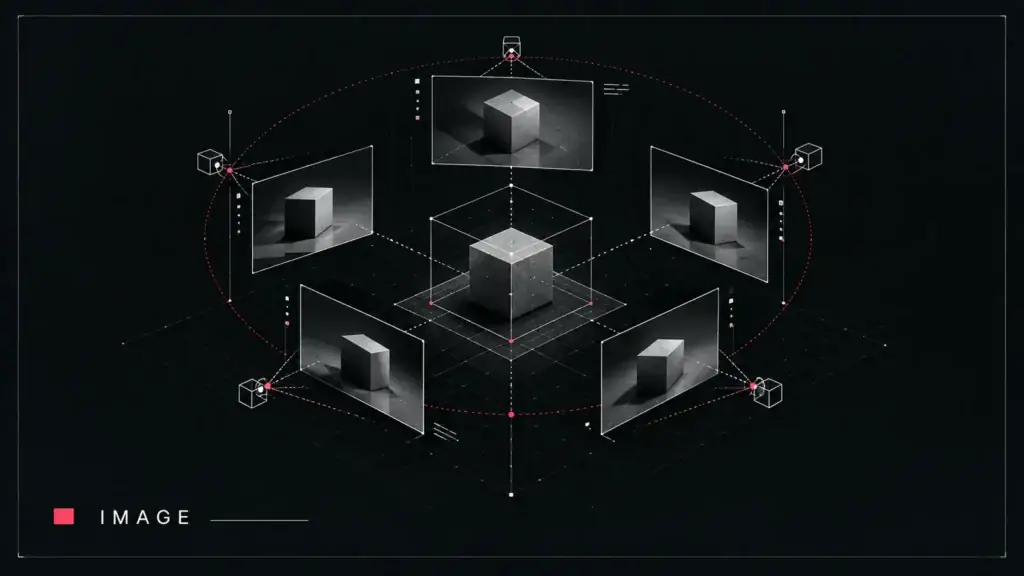
Give Stable Virtual Camera a few photos of a scene and a camera path, and it renders what the scene would look like from viewpoints nobody photographed. It is a research release from Stability AI with the University of Oxford and UC Berkeley, and it is one of the more accessible ways to experiment with novel view synthesis without building a 3D reconstruction pipeline first.
| Repository | Stability-AI/stable-virtual-camera |
| Maintainer | Stability AI |
| Primary language | Python |
| GitHub stars | 1,663 (as of 15 September 2026) |
| Last push | 3 March 2026 |
| License status | Unverified — see below |
What it does
The README calls Stable Virtual Camera (SEVA) a “generalist diffusion model for Novel View Synthesis”. It takes any number of input views plus target camera positions and generates 3D-consistent views of the scene from those positions. Two checkpoints are published on Hugging Face, both 1.3B parameters at 576p:
- v1.0 — the initial release (March 2025).
- v1.1 — released June 2025, fixing cases where foreground objects came loose from the background.
The repository also includes a benchmark folder with the scenes, splits and input/target views used in the accompanying paper.
Who it’s for
- Researchers benchmarking novel view synthesis methods.
- 3D and VFX hobbyists who want to try camera moves around a still scene; the Gradio demo is aimed at non-experts.
Getting started
The README’s install is a recursive git clone followed by pip install -e ., with Python 3.10+ and PyTorch 2.6.0+. Windows users are told to use WSL, because flash attention isn’t supported on native Windows. The weights are gated: you log in with huggingface-cli login and request access on the model card before the code can download them. Then choose a demo: python demo_gr.py for the Gradio interface, or python demo.py for the command line. The README does not list a minimum GPU.
License status
Unverified. GitHub could not match this project’s license file to a standard open-source license (it reports NOASSERTION), and The Signal has not reviewed the terms. One relevant statement from the maintainers themselves: the README’s Q&A says, “The output follows the same non-commercial license” (see issue #26). Read the license file and the model card terms before using the model or its outputs.
Limitations and open questions
- No official training script; the README points to community discussion and a pending pull request instead.
- Gated weights and no native Windows support add setup friction.
- Output resolution for both checkpoints is 576p.
- We have not run the model; nothing here is a quality assessment.
Sources
- GitHub repository and README
- License file
- Paper: Stable Virtual Camera: Generative View Synthesis with Diffusion Models (arXiv 2503.14489)
- Project page
More research code with a generative angle: Research · Repos.
This profile was drafted with AI assistance from the project’s public repository and reviewed by The Signal’s editors before publication. See our AI Disclosure.