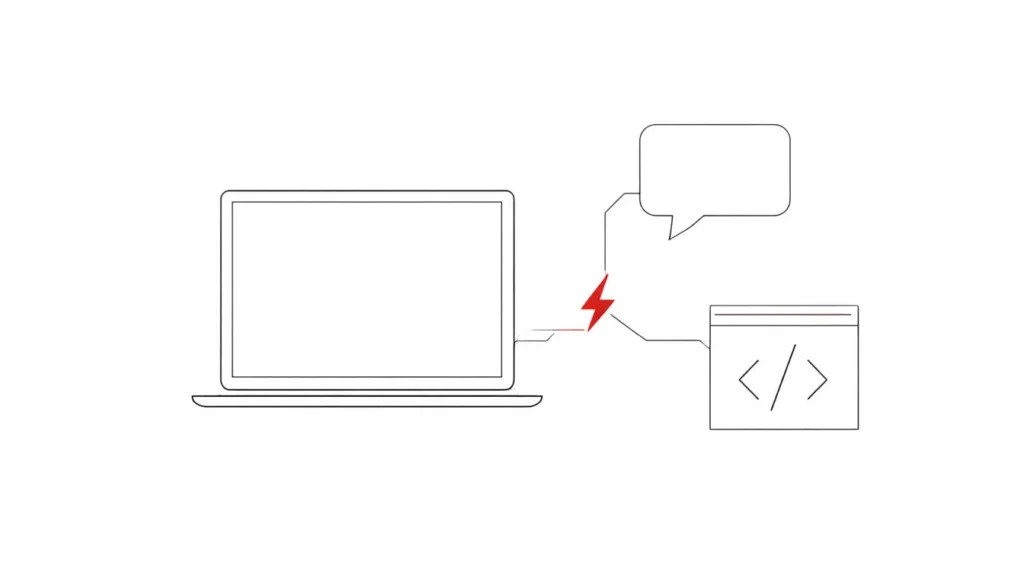
If you own an Apple Silicon Mac and want local models to stand in for cloud APIs, Rapid-MLX is built for exactly that. It serves models through Apple’s MLX framework behind OpenAI- and Anthropic-compatible endpoints, so tools that expect those APIs, including coding agents, can point at your own machine instead.
| Repository | raullenchai/Rapid-MLX |
| Maintainer | raullenchai |
| Primary language | Python |
| GitHub stars | 3,748 (as of 15 September 2026) |
| Last push | 15 September 2026 |
| License status | Unverified — see below |
What it does
According to its README, Rapid-MLX provides:
- A chat REPL and an HTTP server:
rapid-mlx serveexposes an OpenAI-compatible API atlocalhost:8000/v1, with the Anthropic messages route on the same host. - One-command agent setup:
rapid-mlx launch claude-coderewrites Claude Code’s local settings to use the local server, and similar launchers exist for Cline and Continue. - Optional extras beyond text: vision, audio (TTS, STT, voice cloning), video generation, embeddings and local image generation via an OpenAI-compatible Images API (the example uses
flux2-klein-4b). - A macOS desktop app bundling the same engine, for chat, model management and image generation.
Who it’s for
- Mac developers who want coding agents or apps to run against local models.
- People who prefer a one-click desktop app for local chat on Apple Silicon.
Getting started
The README requires an M-series Mac; Windows and Linux desktop builds are not available. Install the CLI with brew install rapid-mlx or the project’s guided installer script, which detects RAM and suggests a starter model. Then rapid-mlx chat starts a chat session with the default qwen3.5-4b-4bit model, a roughly 3GB first download. The base install is text-only at about 460MB; other modalities are opt-in extras. The README links a SECURITY.md for anyone who wants to review the installer before piping it to a shell.
License status
Unverified. GitHub could not match this project’s license file to a standard open-source license (it reports NOASSERTION). The Signal has not reviewed the terms. Read the license file before commercial use or redistribution. The models you download through Rapid-MLX each have their own licenses too.
Limitations and open questions
- Apple Silicon only.
- Its speed claims don’t agree with each other: the GitHub description says “4.2x faster than Ollama”, while the README says “up to 3× Ollama’s throughput (measured)”. Neither has been independently verified by The Signal.
- The README notes Cursor can’t reach a localhost endpoint, because it routes requests through its own servers. Exposing the server publicly to work around this means it is no longer local, and requires setting an API key.
- A young project (created February 2026) with 52 open issues as of 15 September 2026.
Sources
Related: llamafile, single-file local LLMs for any OS · Self-Hosting.
This profile was drafted with AI assistance from the project’s public repository and reviewed by The Signal’s editors before publication. See our AI Disclosure.